 Nodagentry
Graph editor for AI agent teams
Build AI workflows you can follow, step by step
You place agents, tools, and human gates on a canvas, connect them, and run that path like a small company. Then you see the reply, the route it took, and what it cost. Sim needs no key.
Example result · simulated, no real alert sent
From a checkout alert to a clear next action.
Input: checkout errors are rising before peak traffic. The workflow checks the signal, routes the incident, and asks for your approval.
On-call page card
Escalate to the on-call engineer. Investigate checkout errors before peak traffic; include the observed impact and next check.
If the signal is known noise, the same workflow produces a close note instead.
No account or model key. Choose Approve when the simulated human review pauses the run.
Today's example
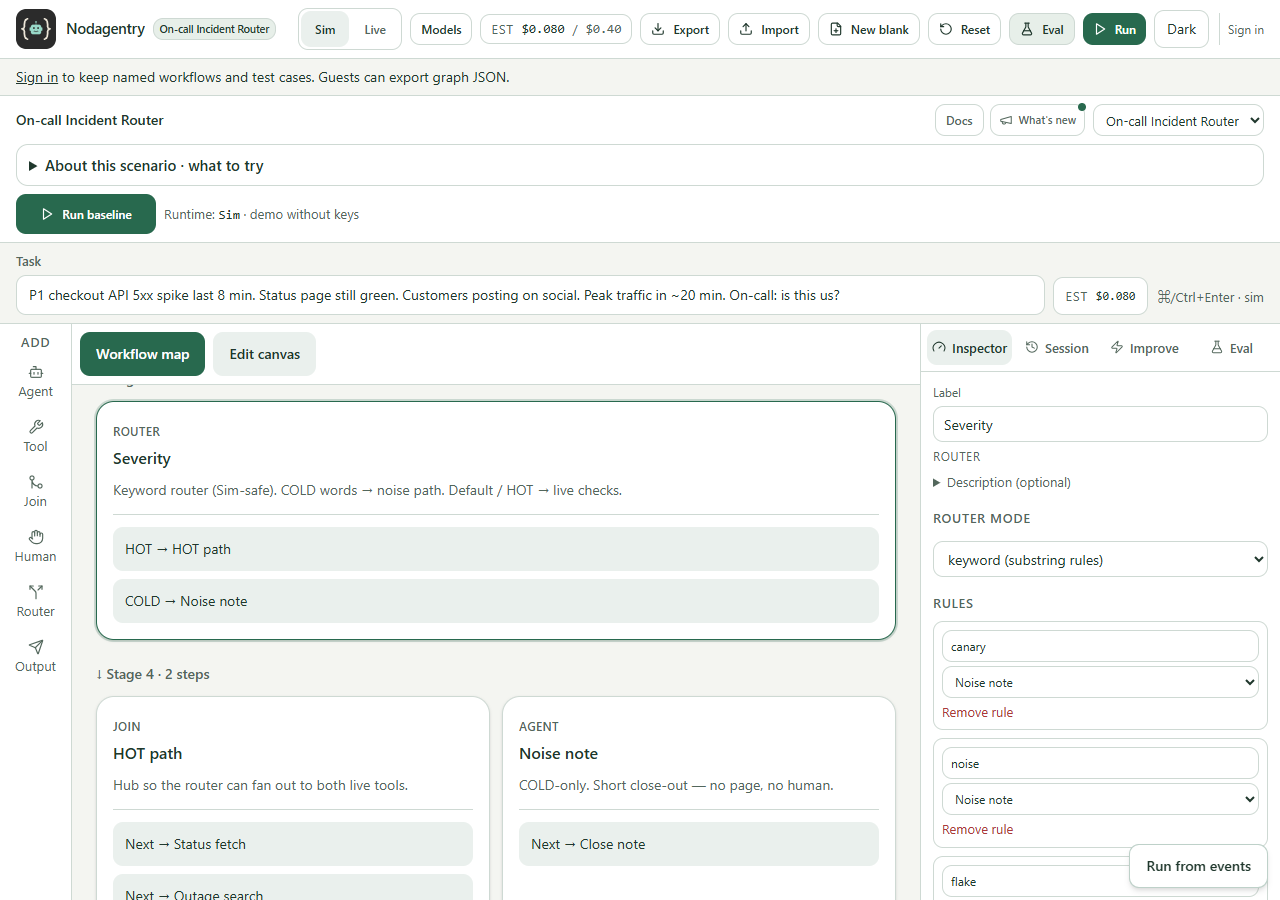
On-call Incident Router
Checkout is failing. The API has been 5xx for eight minutes, the status page is still green, and peak traffic is twenty minutes out. Same graph, two endings: page a human, or write a close note.
Sim first
No account, no key. Run the example and read the card.
Live when you want it
Cloud Ollama on hosted credits, or a key you paste.
Keep your workflows
Sign in with Google or GitHub if you want it saved.
Take your workflow further
Connect a model for real output, then learn how an external event can start your published workflow.